C4ETECH---Multi-Category-Product-Comparison-Platform--Django-SSR-
📱 C4ETECH – Technology Product Comparison Platform
C4ETECH is a full-stack Django web application inspired by GSMArena, designed to showcase and compare modern technology products such as Smartphones, Laptops, Tablets, and Home Appliances. The platform uses server-side rendering (SSR) with Django templates and a relational MySQL database to deliver dynamic, scalable, and maintainable content.
🚀 Key Features
🔹 Multi-Category Platform Smartphones, Laptops, Tablets, and Home Appliances handled via separate Django apps.
🔹 Brand & Product Hierarchy Clean relational structure using ForeignKey relationships:
Brand → Product → Overview → Key Specifications
🔹 Server-Side Rendering (SSR) Dynamic pages rendered using Django templates for better SEO and performance.
🔹 Reusable UI Architecture Common header, footer, and layout shared across all apps using Django template inheritance.
🔹 Responsive Design Fully responsive UI built with HTML, CSS, and Bootstrap, optimized for desktop, tablet, and mobile screens.
🔹 Database-Driven Content Product details dynamically loaded from MySQL, not hardcoded.
🔹 Custom Management Commands Structured data population using Django management commands (populate_*) for brands, products, overviews, and key specs.
Screen Shots
🔹 Landing Page
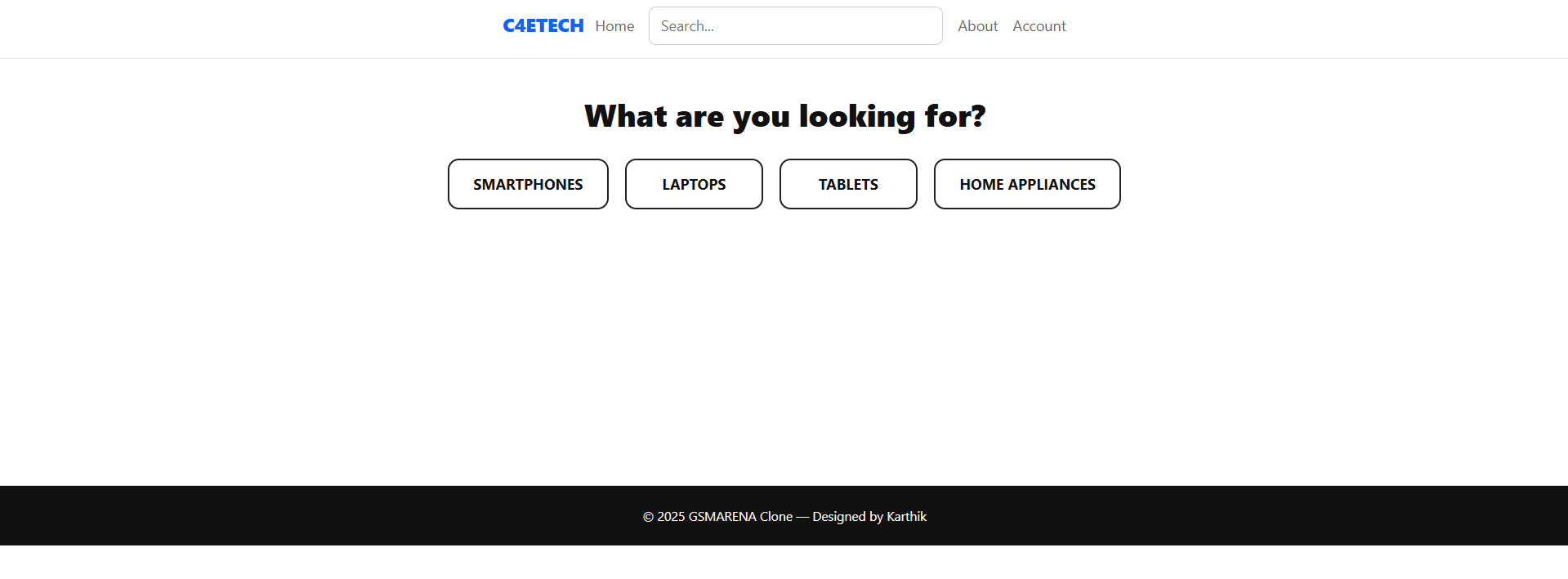
🔹 SmartPhones Page
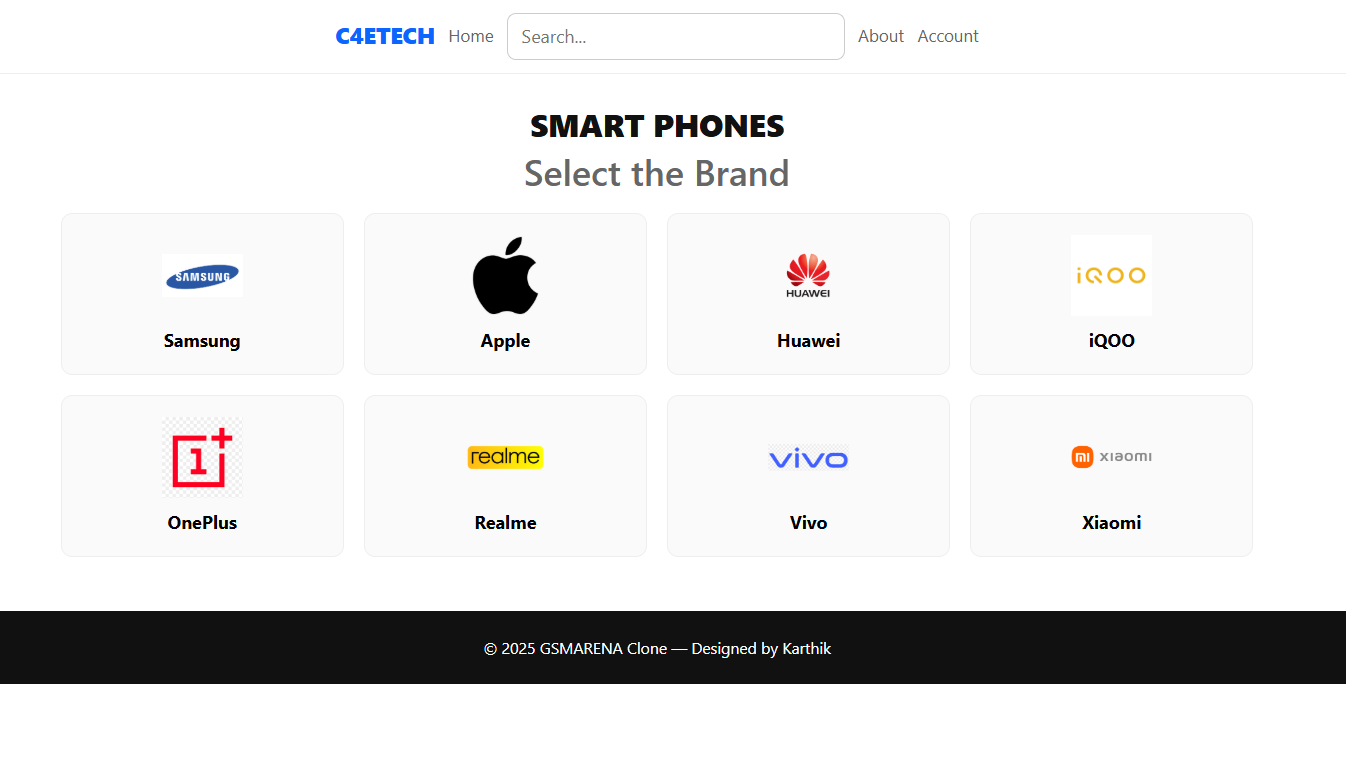
🔹 Particular Brand (Eg: Samsung) 
🔹 Particular Brand (Eg: iQOO) 
🔹 Laptop Page
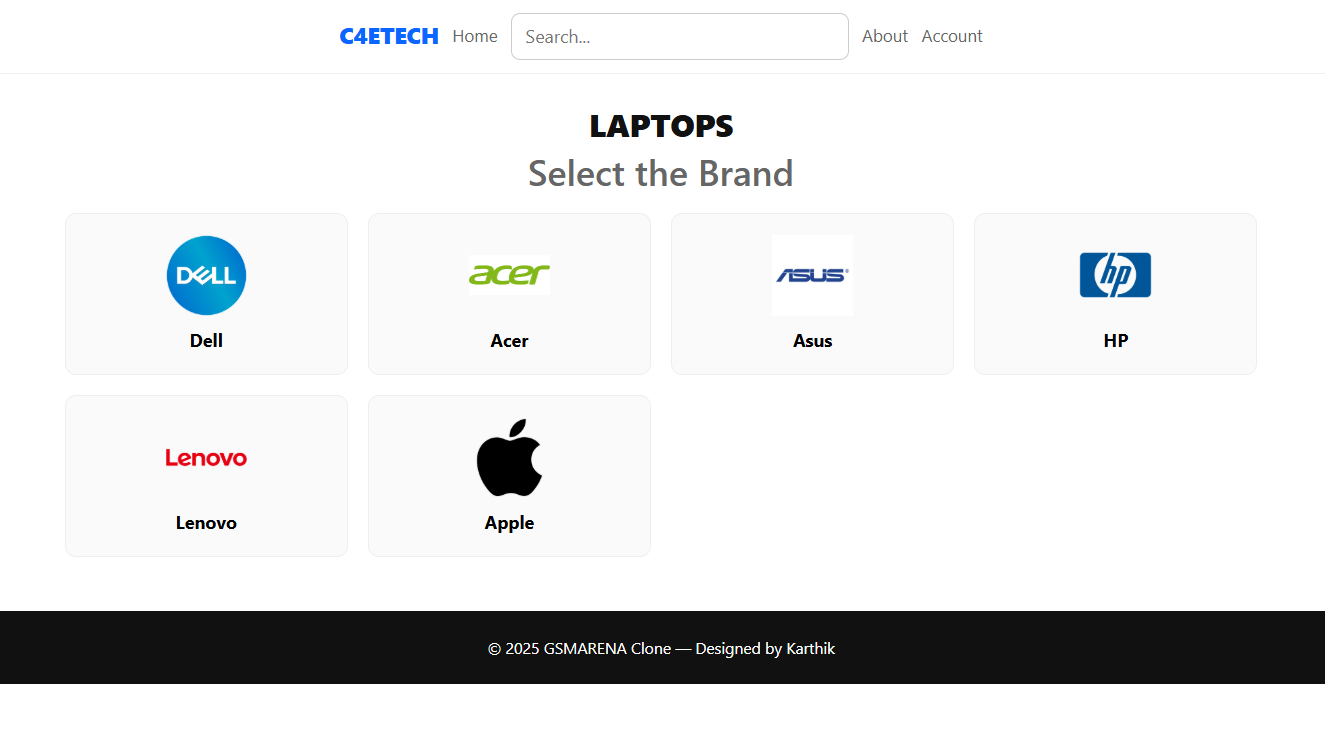
🔹 Particular Brand (Eg: ACER) 
🔹 Tablet Page
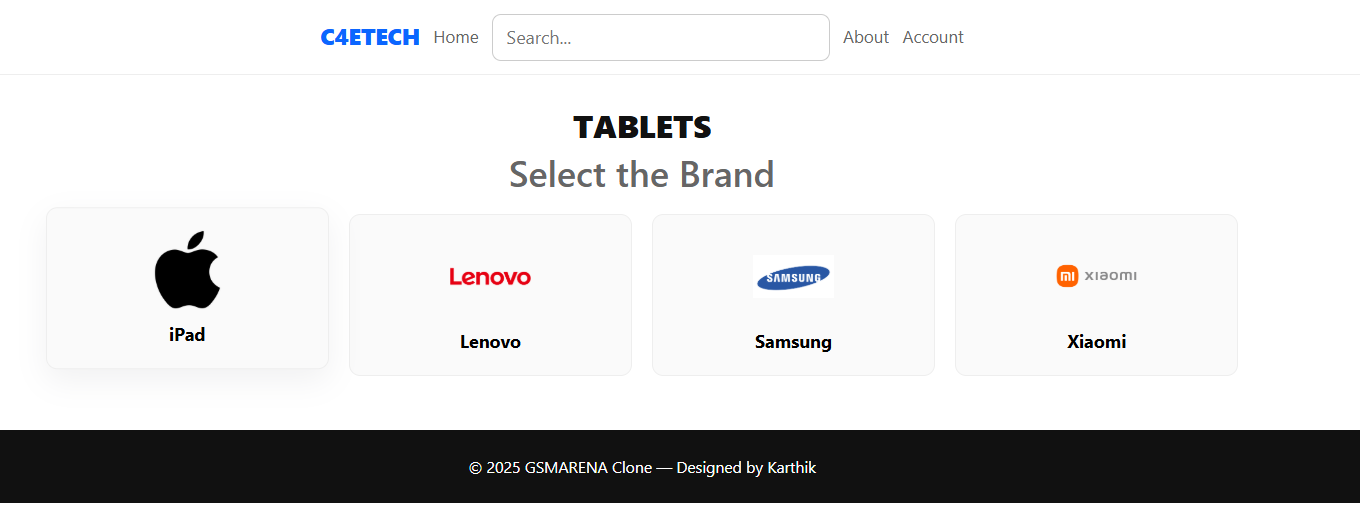
🔹 Particular Brand (Eg: Samsung) 
🔹 Home Appliances Page
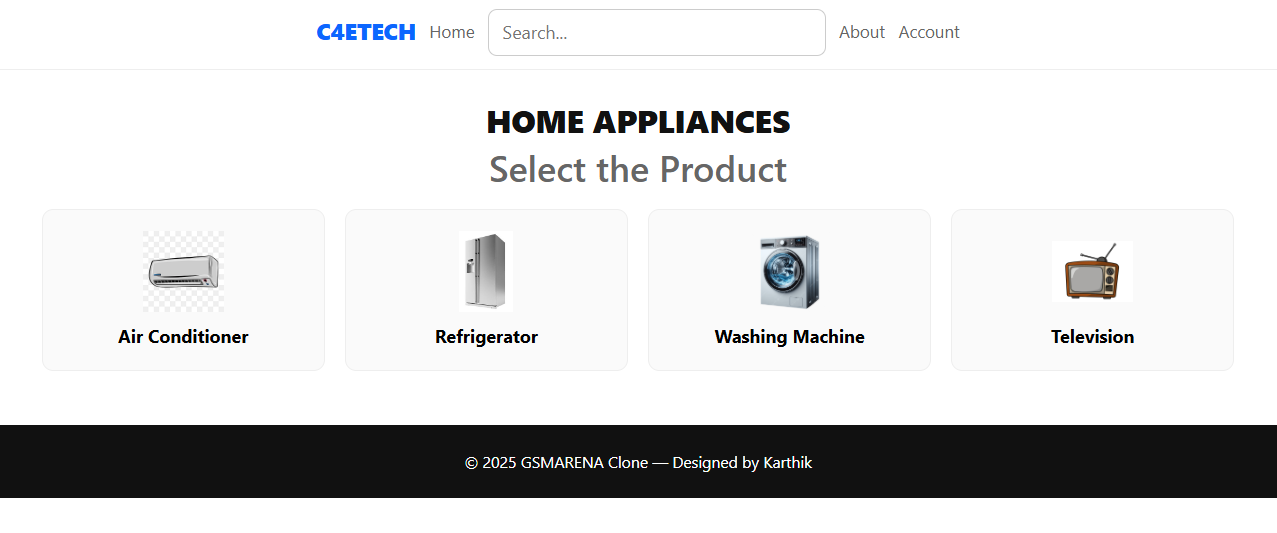
🔹 Particular Product (Eg: Washing Machine) 
🛠 Tech Stack Frontend HTML5 CSS3 Bootstrap 5
Django Templates (SSR)

Backend
    Python
    Django Framework

Database
    MySQL

Tools
    VS Code
    Git & GitHub
    MySQL Workbench
🧠 What I Learned
Designing normalized database schemas

Implementing multi-app Django architecture

Writing custom Django management commands

Handling static files and media correctly

Building SSR applications suitable for SEO

Applying real-world backend logic using relational data
⚙️ How to Run Locally
Prerequisites
Make sure you have the following installed:
- Python 3.x
- MySQL
- Git
1. Clone the Repository
git clone https://github.com/DevWithKarthik/c4etech.git
cd c4etech
2. Create & Activate Virtual Environment
# Create virtual environment
python -m venv venv

# Activate (Windows)
venv\Scripts\activate

# Activate (Mac/Linux)
source venv/bin/activate
3. Install Dependencies
pip install -r requirements.txt
4. Configure Database
Create a MySQL database and update settings.py:
DATABASES = {
    'default': {
        'ENGINE': 'django.db.backends.mysql',
        'NAME': 'c4etech_db',
        'USER': 'your_mysql_username',
        'PASSWORD': 'your_mysql_password',
        'HOST': 'localhost',
        'PORT': '3306',
    }
}
5. Apply Migrations
python manage.py makemigrations
python manage.py migrate
6. Populate Sample Data
# Run custom management commands to load data
python manage.py populate_brands
python manage.py populate_products
python manage.py populate_specs
7. Run the Development Server
python manage.py runserver
8. Open in Browser
http://127.0.0.1:8000
📌 Future Enhancements
🔐 User authentication & login

🔍 Advanced search & filtering

⭐ Product comparison feature

📊 Admin dashboard improvements

☁️ Cloud deployment (AWS)
👨💻 Author
Karthik M
Python Full-Stack Developer
📍 Erode, India